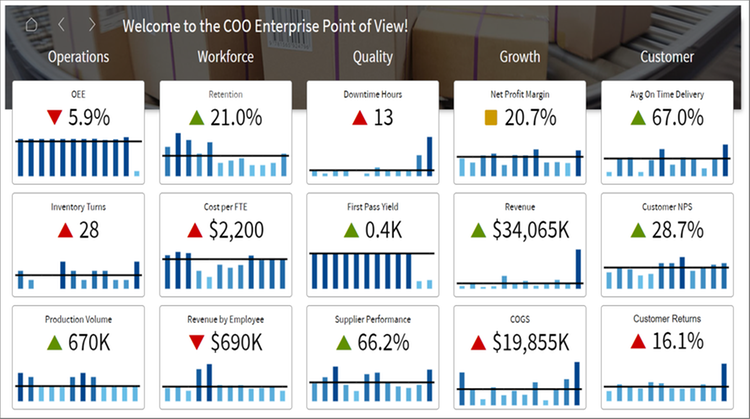

We’ve recently been helping a client move all their reporting from Power BI to Infor Birst and let’s just say – it’s been a learning experience. At first glance, it might seem like a simple platform swap. But in reality, Power BI and Birst are built very differently and that means almost everything needs to be reworked, rebuilt, or reimagined. So if you’re thinking about doing the same, here are some of the key things we’ve run into – the challenges, the surprises and some advice to help along the way.
🧩 It’s Not a Copy-Paste Job – Here’s What Changes
| What You’re Doing in Power BI | What You Need to Do in Birst |
|---|---|
| Using DAX for measures and KPIs | Rewrite everything using BQL or Derived Measures |
| Building data models with Power Query | Recreate logic using Birst Data Flows or prep the data before loading |
| Creating visuals with tons of interactivity | Rebuild them using Visualizer — simpler, but with some creative workarounds |
| Managing user access with roles | Use Access Filters and User Groups in Birst |
| Exporting dashboards or sharing via link | Set up Bursting to email or schedule reports |
🔍 What’s Been Tricky
- Custom logic: A lot of DAX formulas had to be rethought – there’s no direct translation.
- Time intelligence: MTD, YTD, etc. had to be built from scratch with custom time dimensions.
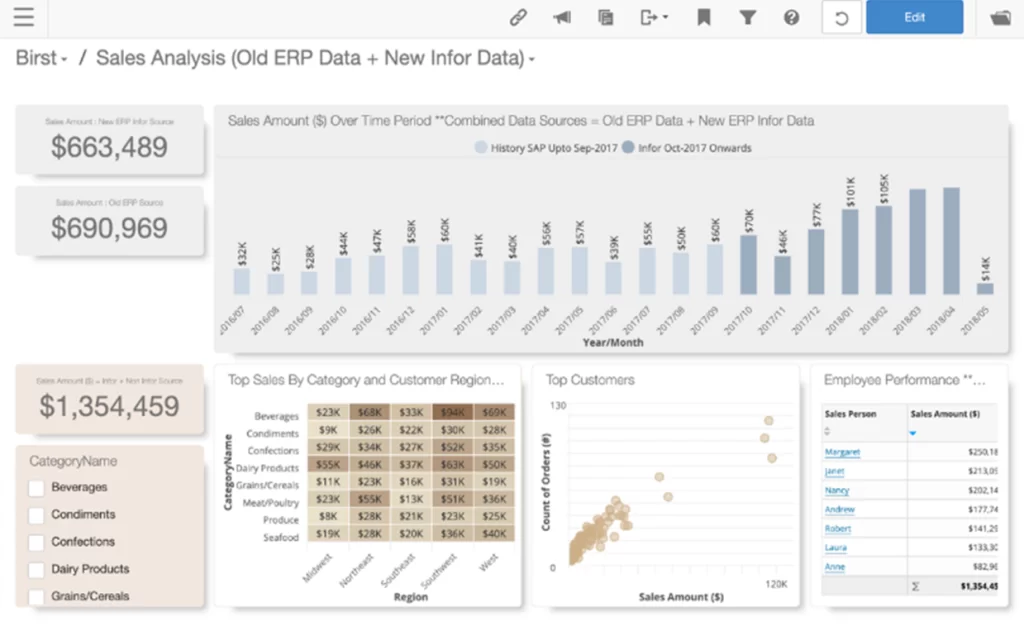
- Visuals: Power BI’s slick design doesn’t transfer over. We had to simplify some dashboards to fit Birst’s capabilities.
- User experience: The interface is less intuitive for non-technical users, so training is a must.
✅ A Few Tips If You’re Planning a Migration
- Start small – pick one or two important dashboards as a pilot.
- Map everything first – visuals, measures, filters, data sources, etc.
- Don’t assume 1:1 conversions – Birst requires a different mindset.
- Train your users – what felt obvious in Power BI might not be in Birst.
- Use Dev/Test/Prod spaces – Birst is more structured when it comes to deployment.
💬 Final Thought
Moving from Power BI to Infor Birst can definitely be a challenge, but if you’re trying to bring everything under one enterprise reporting platform – especially if you’re using Infor LN or Octave Attune EAM – it makes a lot of sense.
Just be ready to roll up your sleeves. It’s not about replicating dashboards – it’s about rebuilding them the right way for a different platform.
If you’re planning a similar migration or stuck somewhere in the process, feel free to reach out. Always happy to share more of what we’ve learned along the way.